


Ownthe booth.
A booth gets a few days to make its case. DAN puts every screen in it to work: each on its own channel, designed by SIDES, and still playing when the hall wifi gives out.
Six screens.
One booth.
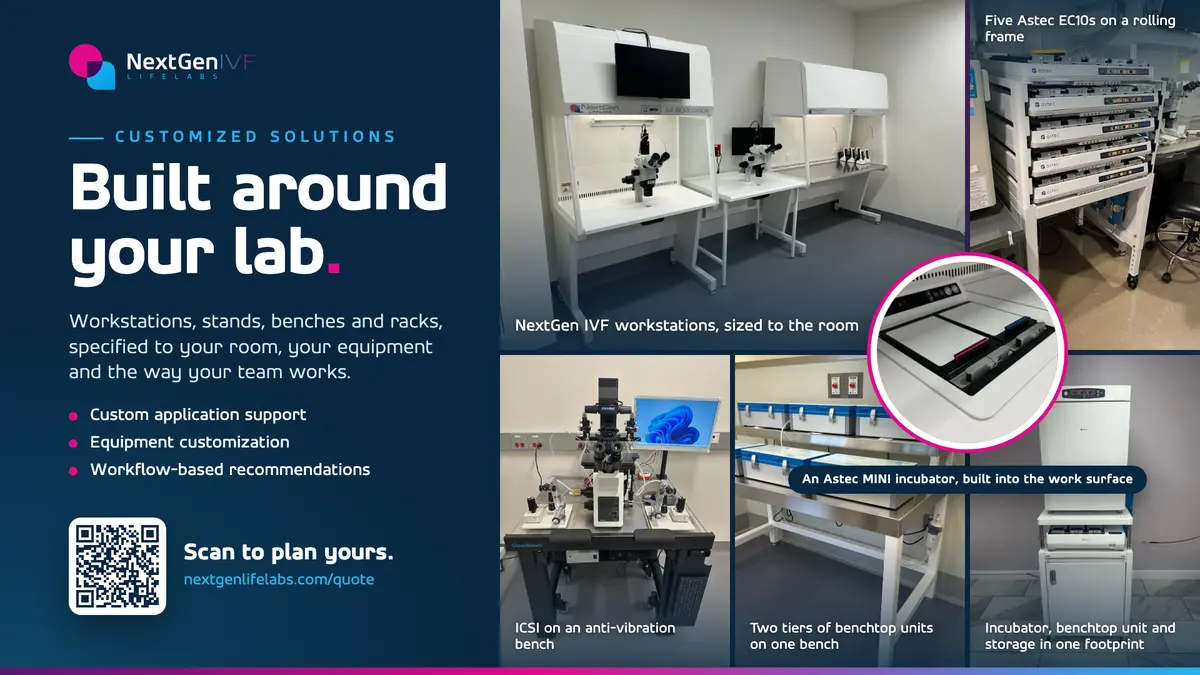
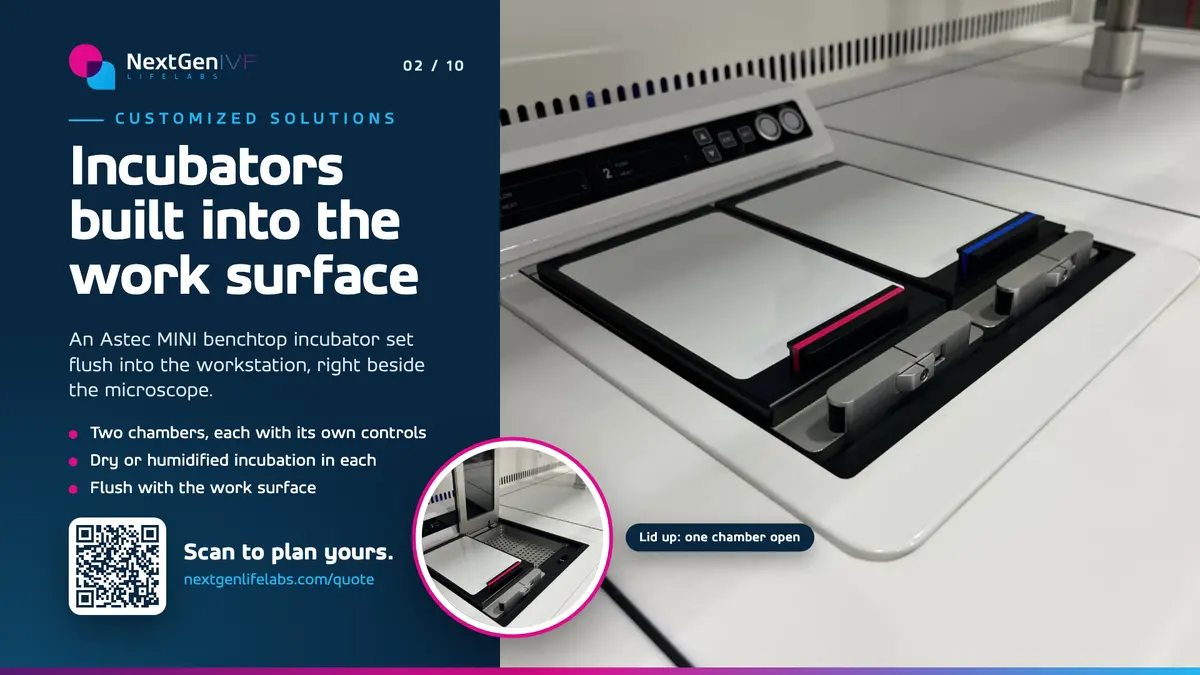
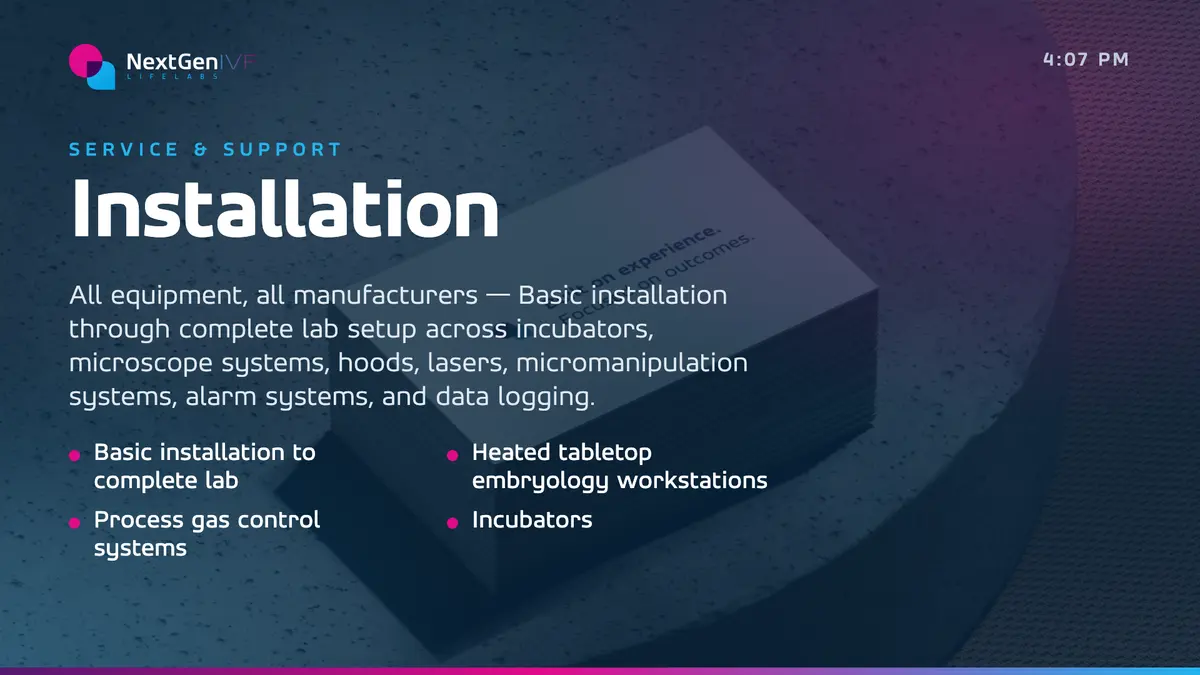
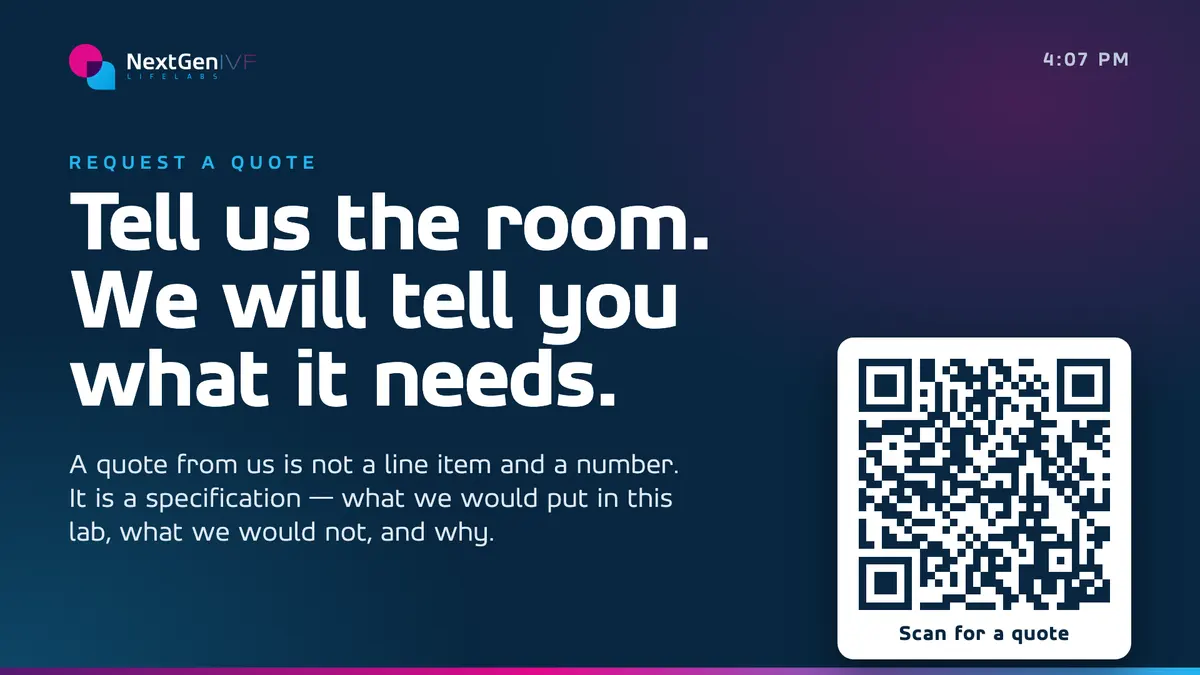
NextGen IVF LifeLabs takes six DAN channels to Baltimore, Booth 629, October 24–28: their products, their brands, a quote desk, service, and two channels built this month, Customized Solutions and Air Quality. Every slide designed by SIDES.
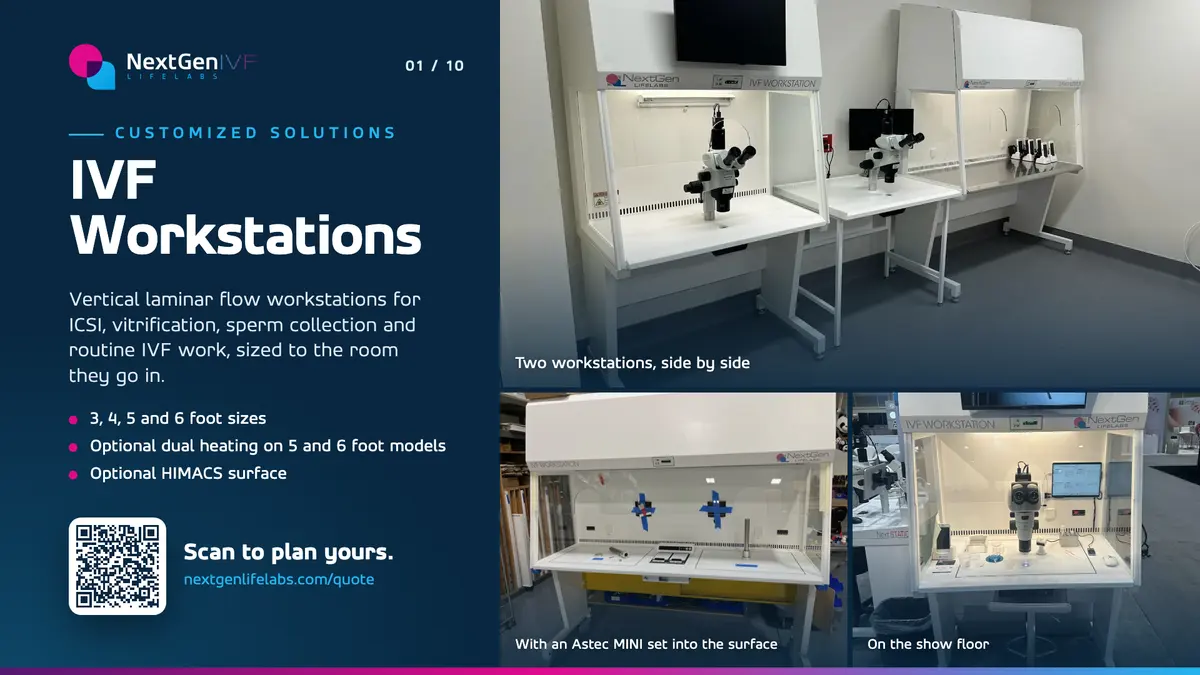
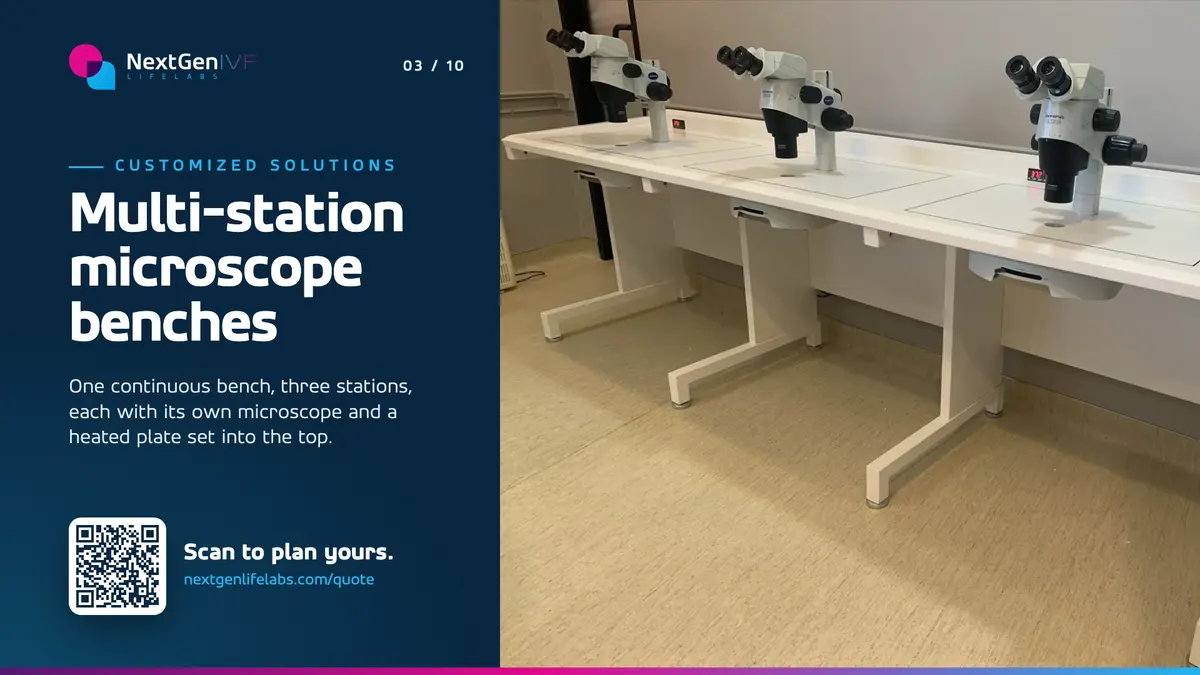
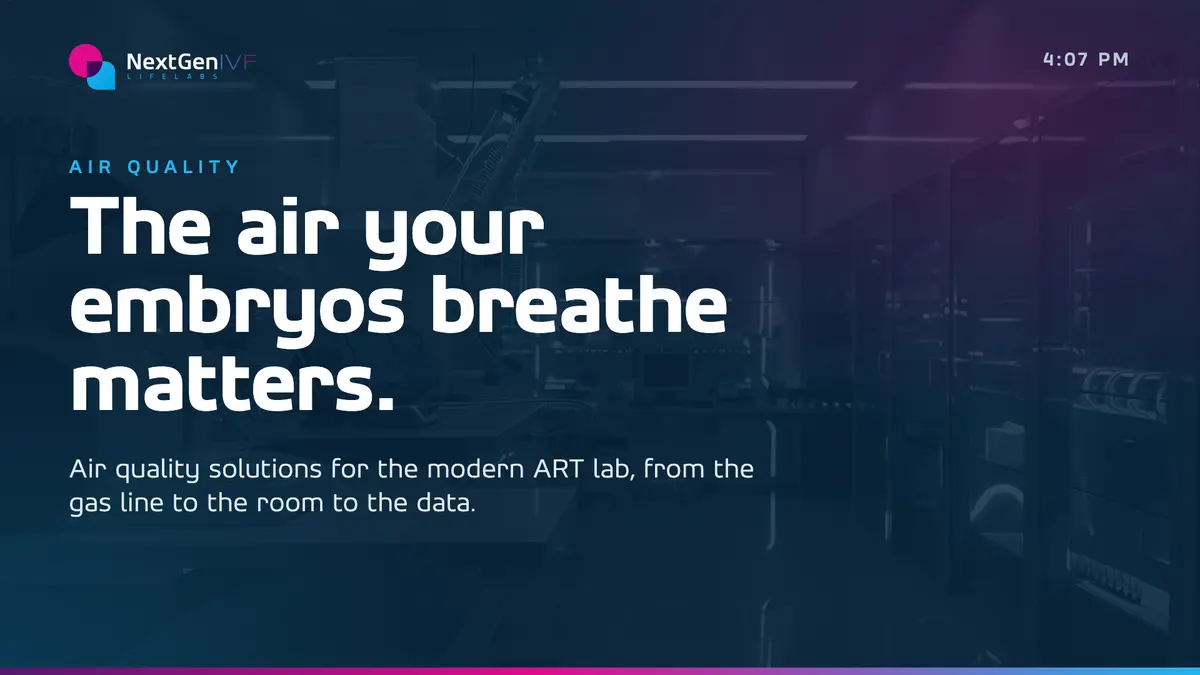
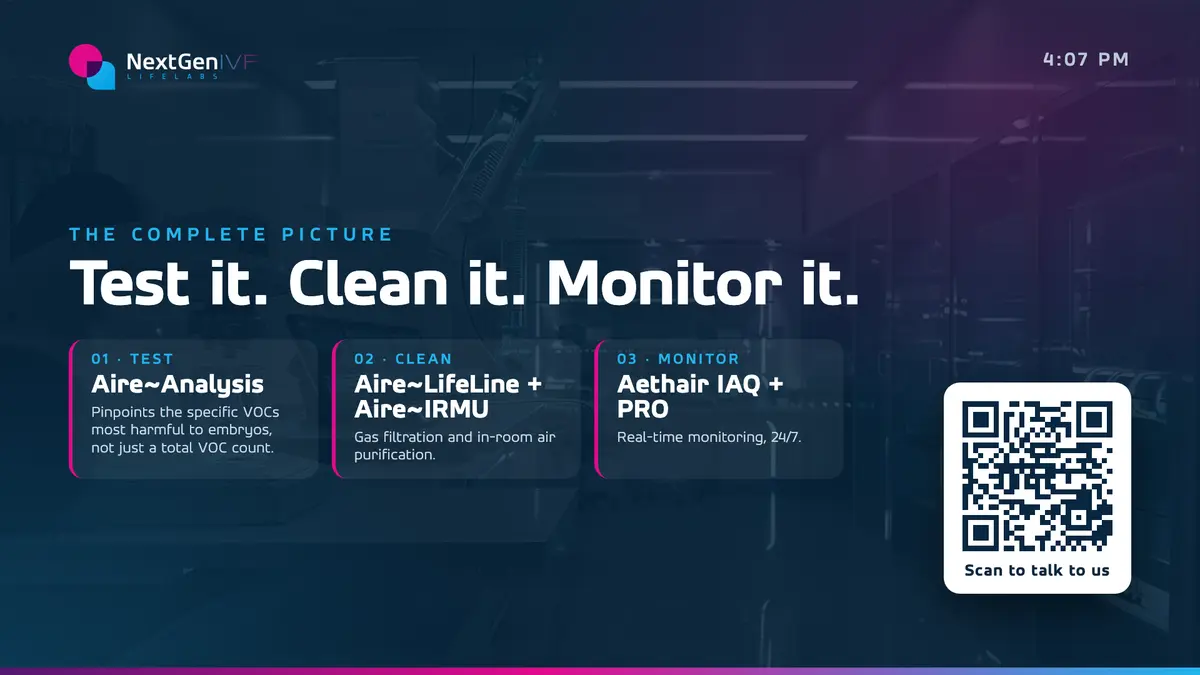
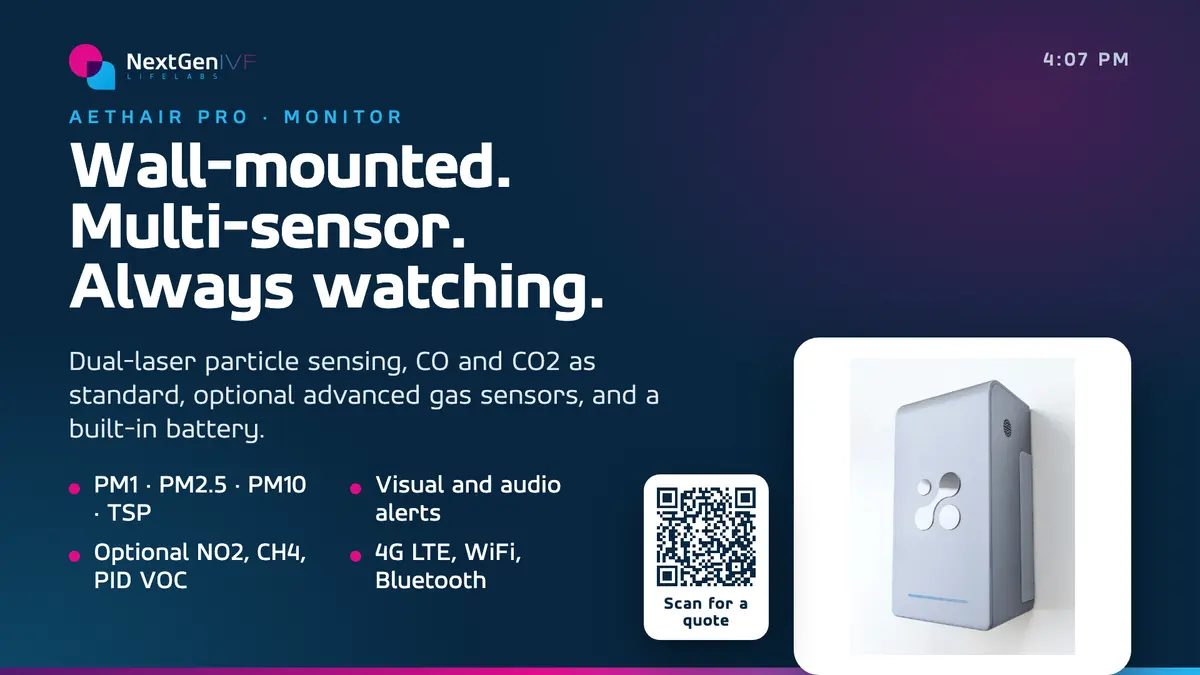
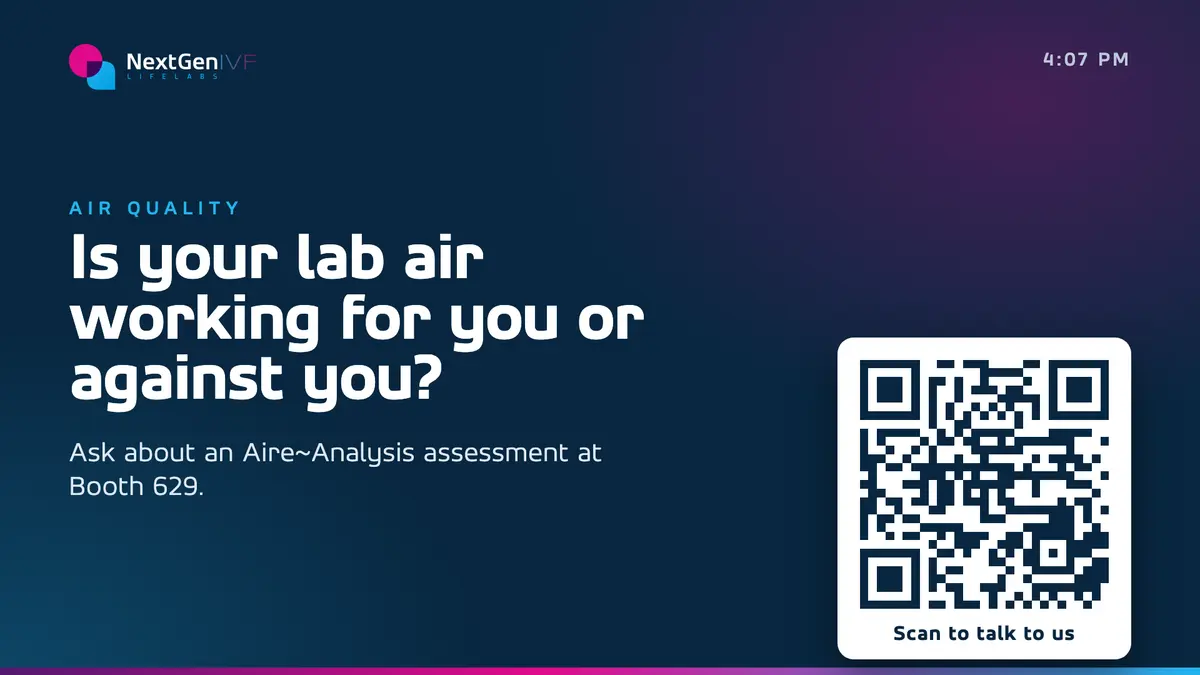
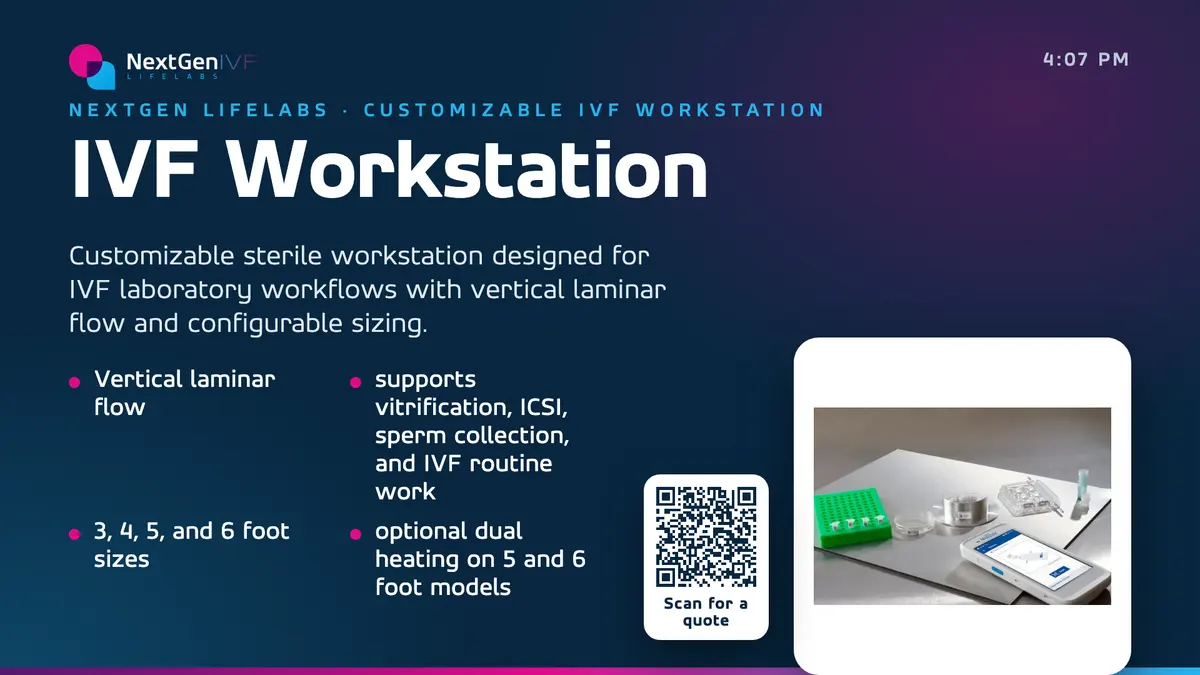
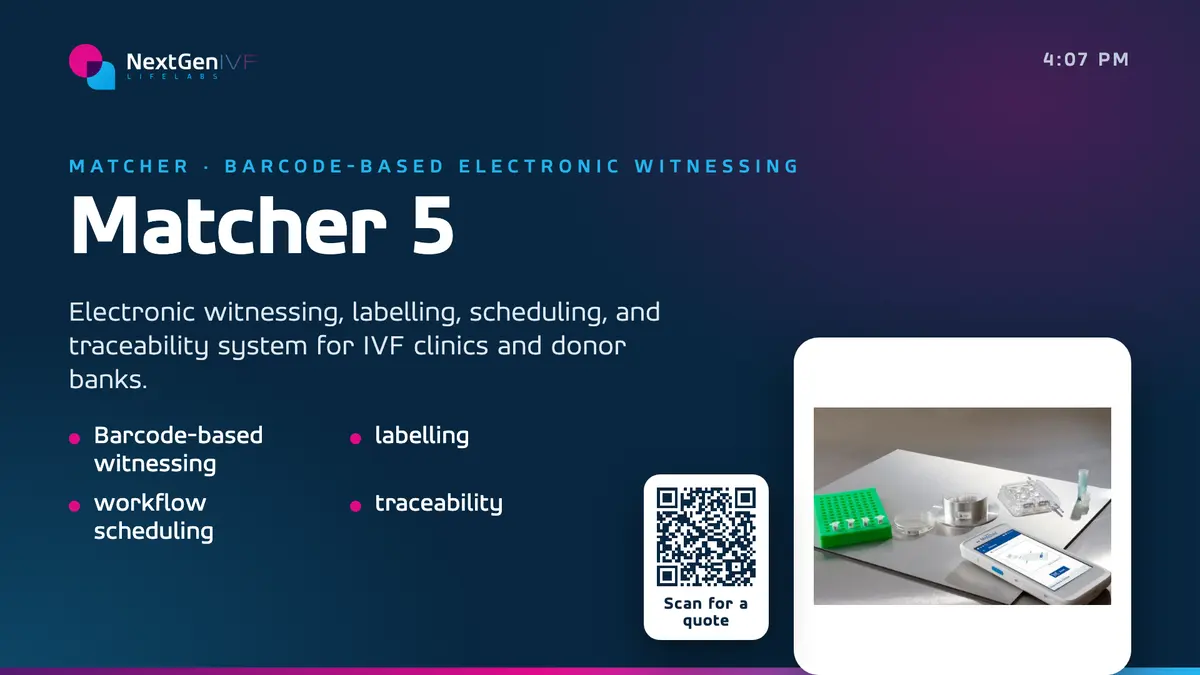
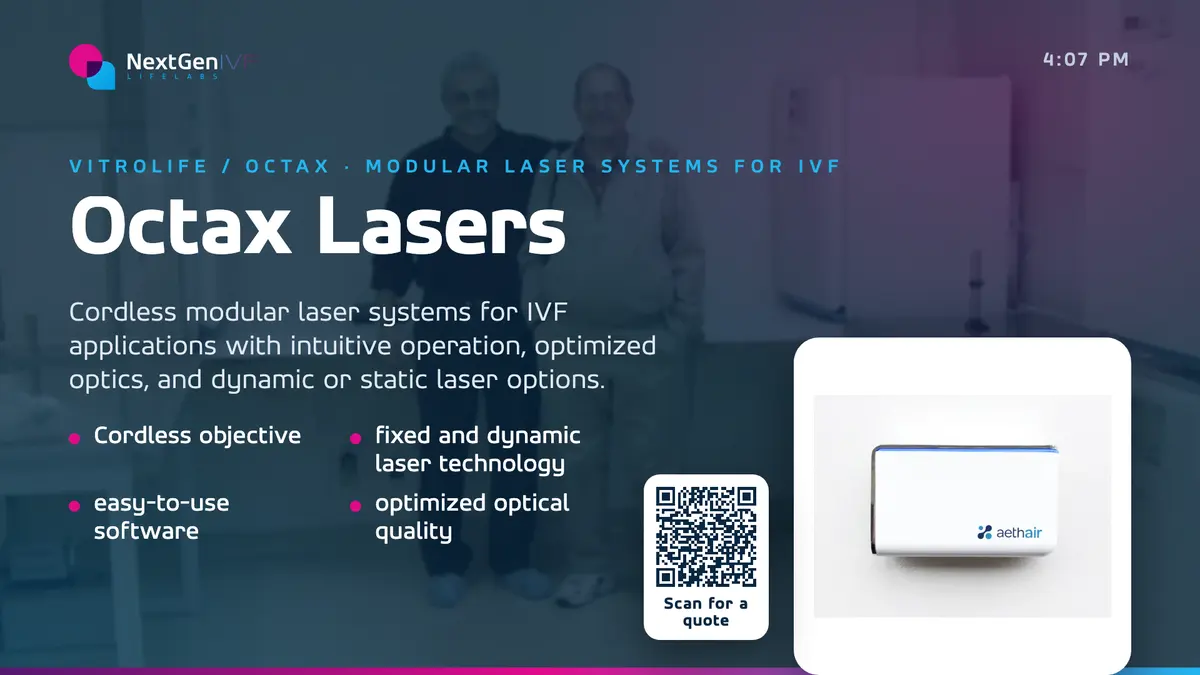
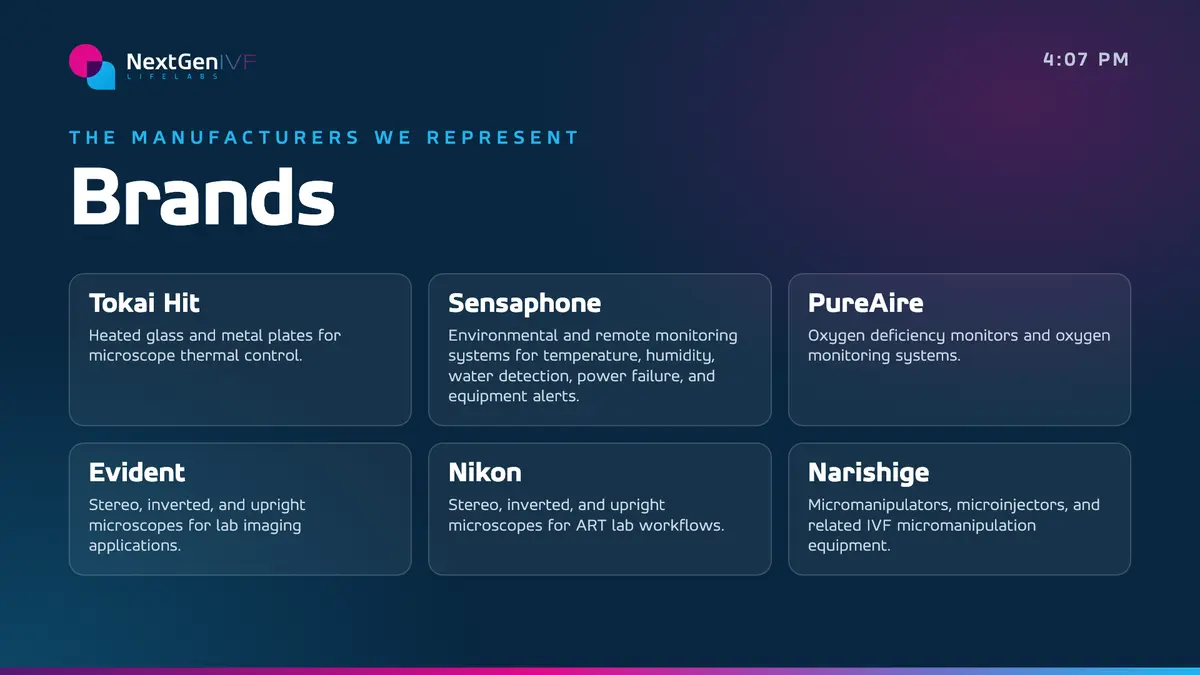
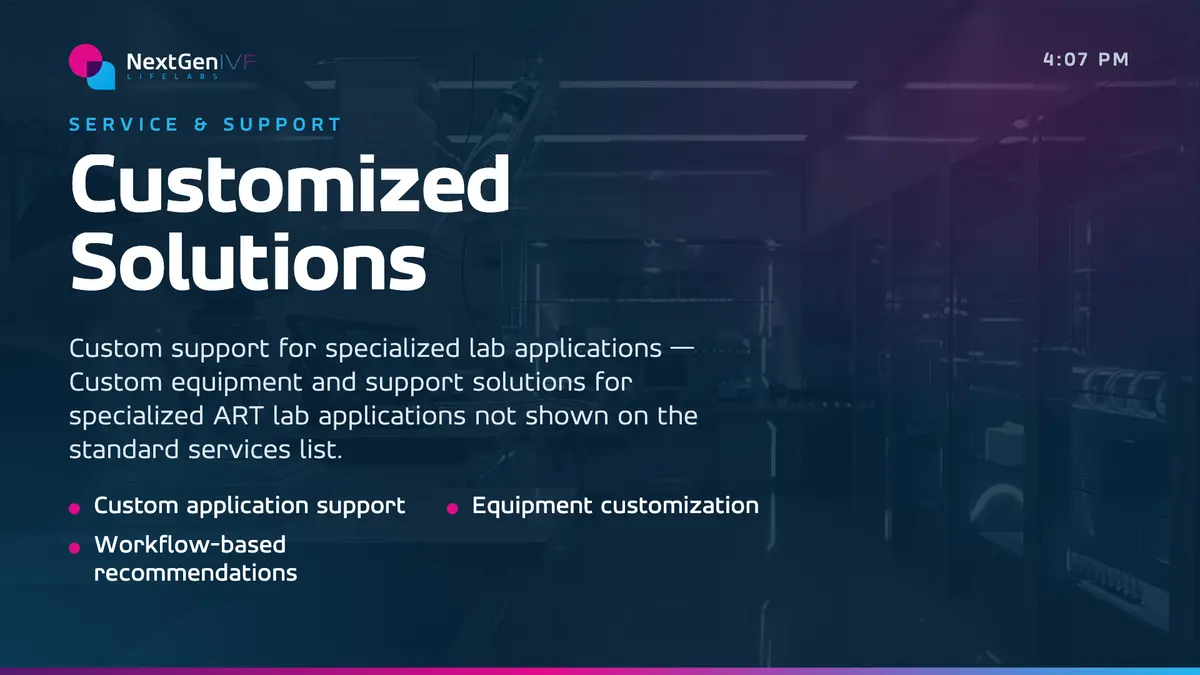
What the booth gets
Screens that pull people in, hand them the details, and send them home with your site in their pocket.
- A channel per screen. The big wall plays the showreel, the totems run your products, the screen by the table carries the details. Each has its own playlist.
- Built from your products. SIDES builds the slides from your brand and your product pages, one product per slide if you want it.
- QR codes on screen. A scan takes a visitor to the page you choose, so the conversation keeps going after the show.
- Tall and wide. Portrait totems and landscape walls each get content cut for their shape.
- Screens too. Bring your own, rent the show’s, or use ours: DAN supplies the screens as well as what plays on them.
- Changes on the floor. A new price, a typo, a slide for day two: it’s on the screens in seconds, from anywhere.
- Booked ahead. A launch slide can take every screen in the booth at the minute you choose, then hand them back.
Let them
drive.
The best booth conversations start with someone poking at a screen. A DAN touch deck plays its loop until a visitor walks up, then hands them every product to swipe through. When they move on, the loop comes back by itself.
- Every product, one swipe apart. Or jump straight to one from the thumbnail strip.
- Their pages too. A product’s web page opens right on the screen.
- Back to the loop. How long it waits after the last touch is set screen by screen.
The wifi will fail.
The booth won’t.
Plays with no wifi
Everything is stored on the players before the doors open. A crowded hall network can’t blank your booth.
Set up before it ships
Players arrive configured, with the show’s wifi loaded when you have it. Plug them in and they play.
We see the glass
Each screen sends back a picture of what it’s showing, so you know the booth is on before you reach it.
Starts itself
Power strips get kicked. The player starts at power-on and goes straight back to its channel.
Next show, same kit
The kit comes home tracked, and goes out to the next show with new content on it.
Proof of every play
A report of what each screen played and for how long, by creative and by screen.
Before
We plan a channel for each screen, SIDES designs them, and the players are loaded and tested.
Doors open
Plug the players into the screens. Everything is already on them.
On the floor
Changes reach the screens in seconds, and we watch every one of them.
After
The kit comes home ready for the next show, or stays with you.
Questions
Do we need the hall’s wifi?
Not to keep playing. The content is on the players before the show opens. A connection only matters when you want to change something.
Can we use the show’s rented screens?
Usually, yes. Any screen with a spare HDMI port can run DAN. Or skip the rental: we supply the screens too, loaded and tested before they ship.
How many screens can a booth have?
As many as the booth has. Each one gets its own channel, or several can share one.
Can we change things during the show?
Yes. Changes reach the screens in seconds, wherever you are.
What happens after the show?
The kit comes back and is ready for the next one, with new content if you want it.
Designed, not just displayed.

DAN is built and run by SIDES Creative, a design studio in Doylestown, PA. Every screen plays on-brand work made by the same studio that designs identities and websites, so your message looks the same from the storefront to the screen.
Got a show
coming up?
Tell us the show, the dates and the booth. We’ll plan the screens and have them playing when the doors open.